-
Short notes on tech 24/2023
Software design 365 Days of iOS Accessibility365DaysIOSAccessibility series that Daniel Devesa Derksen-Staats posts to Mastodon and Twitter. (from iOS Dev Weekly) DevOps Using Act to Run Github Actions Locally“Act could be the end of commit messages littering history that say, “Tweaked workflow file, again! Fingers crossed that it works this time!”… Jatka lukemista →
-
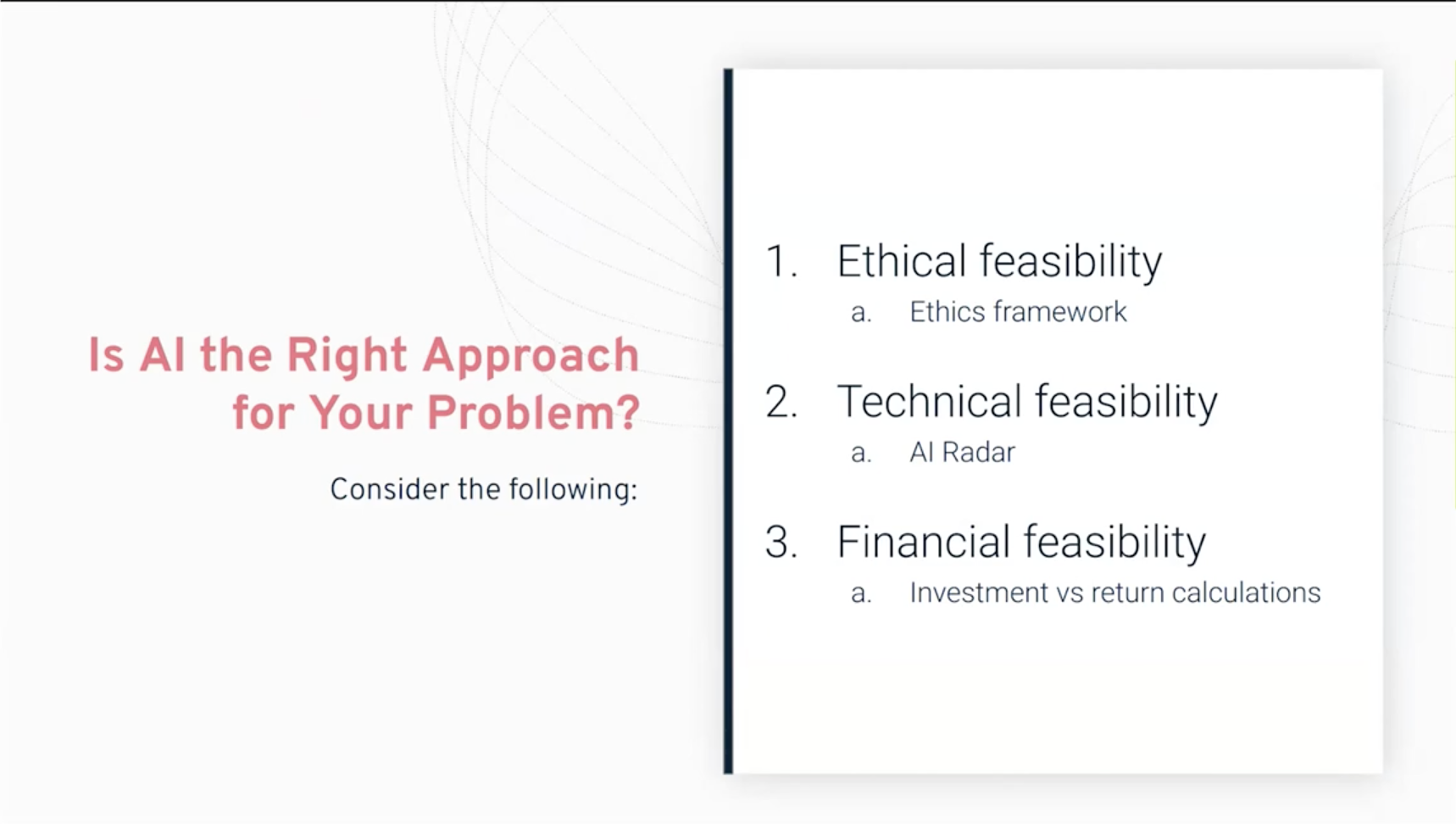
AI Forum webinar 13.4.2023
Artificial Intelligence is a hot topic and couple of weeks ago Haaga-Helia organized “AI Forum webinar: Experiences of top companies on artificial intelligence” which had four interesting company representatives, from companies that develop and apply artificial intelligence, sharing their expertise and experiences on today’s topical AI themes. Here’s my short notes from the presentations.… Jatka…
-
Short notes on tech 14/2023
Much snow, wow. Come on, Spring. Short notes for the week 14 of 2023. Web development You can add biometric authentication to your webpage. Here’s how.(from WDRL) Web design Dark patterns in UX design — Which ones are the most deceptive?For those not aware of this concept, dark patterns are tricks used in websites and…
-

Notes from axe-con 2023: Building accessible experiences
Accessibility is an important topic also in software development and nowadays it’s more and more recognized as a real part of software project’s requirements even outside public sector projects. In software development you can start with following Web Accessibility Initiative (WAI) and Web Content Accessibility Guidelines (WCAG) but it’s better to understand accessibility more than…
-
Short notes on tech 9/2023
Design 🎨 heavy edition: guide to responsive design, neurodiversity design system, CSS container and style queries, colors and contrasts and easier dark mode. Web design The Guide To Responsive Design In 2023 and Beyond“Responsive design isn’t just about fixed-width breakpoints and making a website work on mobile, tablet, and desktop.”… Jatka lukemista →
-

First ever SaimaaSec event at LUT
The first ever SaimaaSec meetup was organized last week and had three presentations from the infosec and cybersecurity industry. The event was held at LUT University which also sponsored it. Here are my (very) short notes from the presentations. War stories from Incident Response – key takeaways Juho Jauhiainen talked about incident responses and war…
-
Monthly notes 57
Issue 57, 22.12.2022 Cloud Recap of AWS re:Invent 2022: An Honest Review“Properly assess whether all those announcements should mean anything to you; here’s the ultimate AWS re:Invent 2022 recap you were looking for.” (from CloudSecList) Web development State of Frontend in 2022“React is king, Svelte is gaining popularity, Typescript continues to make web development less…
-

Jailbreak detection with jail-monkey on React Native app
Mobile device operating systems often impose certain restrictions to what capabilities the user have on the device like which apps can be installed on the device and what access to information and data apps and user have on the device. The limitations can be bypassed with jailbreaking or rooting the device which might introduce security…
-
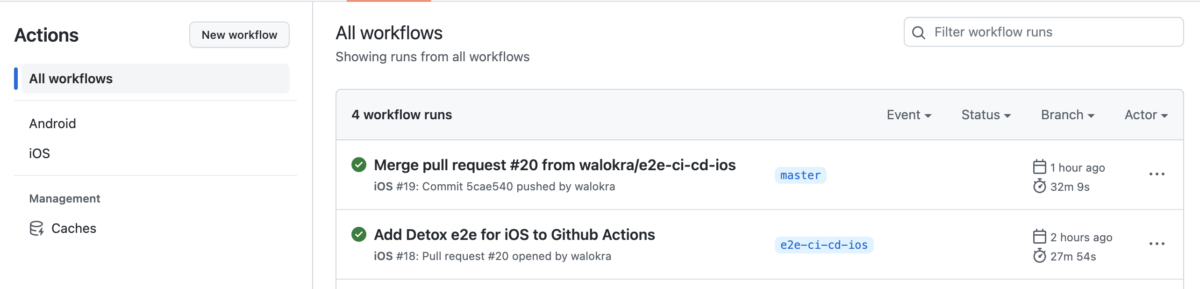
Running Detox end-to-end tests on CI
Now that you’ve added end-to-end tests with Detox to your React Native application from my previous blog post it’s time to automate running the tests and add them to continuous integration (CI) pipeline. Detox has documentation for running it on some Continuous Integration services but it’s somewhat lacking and outdated. This post will show how…
-
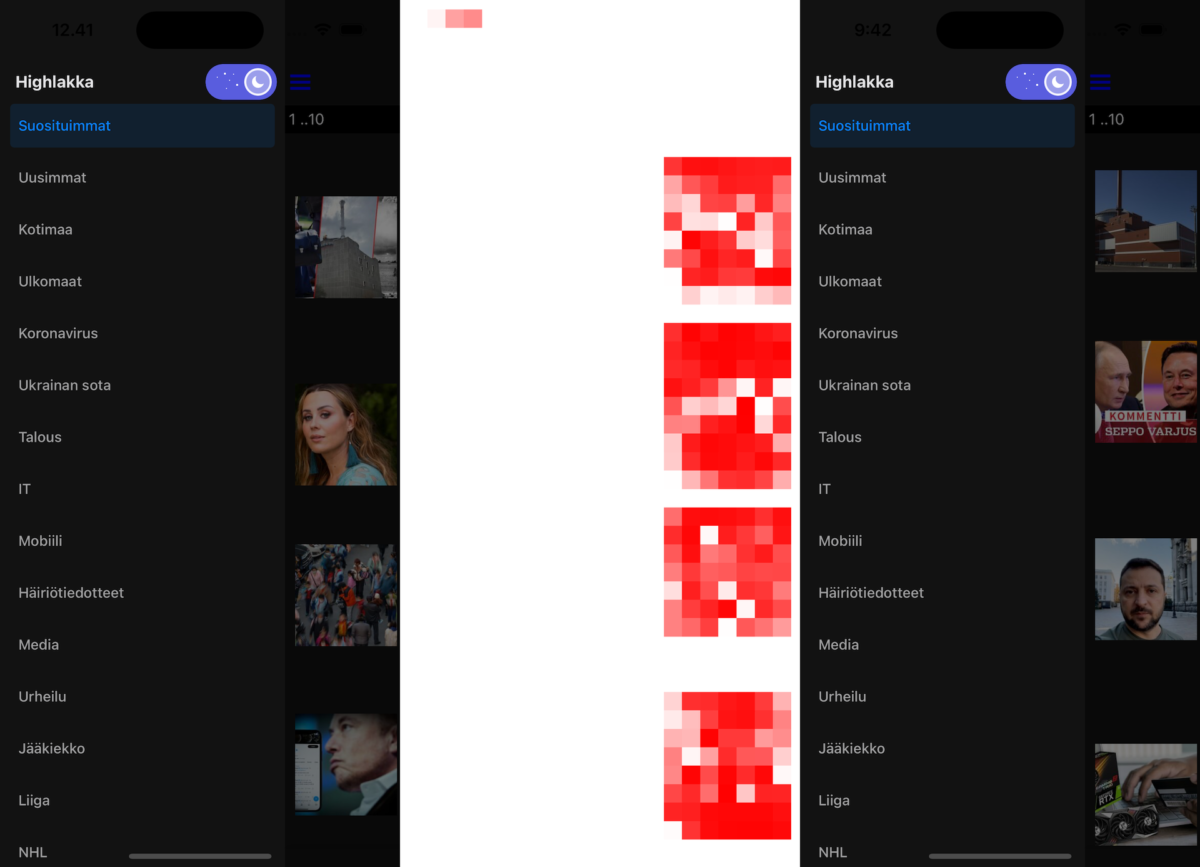
Automated End-to-End testing React Native apps with Detox
Everyone knows the importance of testing in software development projects so lets jump directly to the topic of how to use Detox for end-to-end testing React Native applications. It’s similar to how you would do end-to-end testing React applications with Cypress like I wrote previously. Testing React Native applications needs a bit more setup especially…